No products in the cart.

Artwork Guide
Send your print-ready artwork files using this link.
To make sure your project looks its best, please follow these steps before sending your files:
Colour Mode: Use CMYK only. Please do not use RGB, as the colours will change or look “off” once printed.
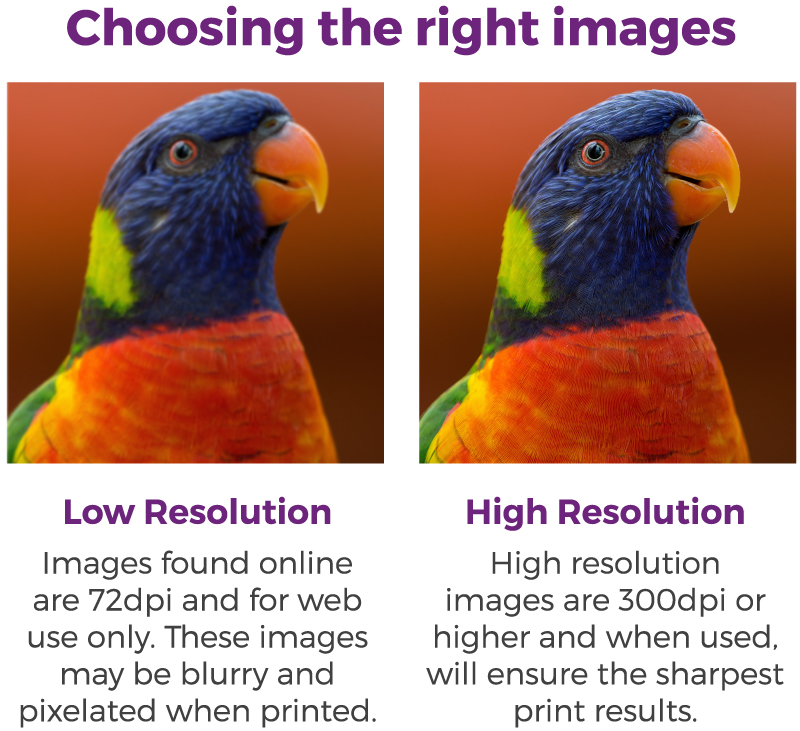
Images: Convert all photos and graphics to CMYK before saving your final PDF.
Fonts: To prevent text errors, either embed your fonts or convert all text to outlines.
Rich Black: For large areas of solid black, do not use the default black. Use these specific settings for a deeper, cleaner look:
Cyan: 60% / Magenta: 0% / Yellow: 0% / Black: 100%
We know print design can be a bit confusing, so if you need any help setting up your artwork, please reach out via our contact page. Our team is happy to assist, and we can even provide pre-made templates for your specific products to make the process easier.
